
Processing payroll for five clients is manageable. You know each client’s pay schedule, you remember which employees have special deductions, and you can keep it all in your head if you have to.
Processing payroll for fifty clients? That’s where things break.
Every client has different pay frequencies, employee counts, tax situations, and approval processes. One client pays weekly, another semi-monthly. One has a bonus structure that changes quarterly. Three of them routinely submit timesheets late. And somewhere in the middle of all that, CRA remittance deadlines don’t move.
Growth without operational structure creates payroll risk. And multi-client payroll management isn’t a bigger version of single-company payroll — it’s a fundamentally different operational challenge.
By the end of this guide, you’ll have a practical framework for identifying where your payroll workflows break down and how to build standardized processes that actually scale.
What Is Multi-Client Payroll Management?
Multi-client payroll management is the process of administering payroll for multiple separate businesses from a single accounting firm or service provider. It involves maintaining distinct client records, calculating wages and statutory deductions (CPP, EI, federal and provincial taxes) for each organization, coordinating different pay schedules, ensuring CRA compliance across all entities, generating payroll registers, and producing accurate year-end filings like T4s and ROEs. Unlike single-company payroll, it requires centralized visibility, standardized workflows, and the ability to manage dozens — sometimes hundreds — of payroll runs without errors compounding across clients.
Why Multi-Client Payroll Is More Complex Than Single-Company Payroll
Payroll complexity increases faster than client count. Adding ten clients doesn’t add ten units of work — it adds ten different pay schedules, ten sets of province-specific rules, ten approval chains, and ten compliance obligations that all run on different timelines.
Here’s what changes:
- Pay schedules multiply.
You’re juggling weekly, bi-weekly, semi-monthly, and monthly runs simultaneously. - Client requirements diverge.
Each organization has unique benefits, deduction structures, and vacation pay accrual rules. - Approval dependencies stack up.
Missing approvals often delay payroll more than the calculations themselves. - Compliance becomes a moving target.
Provincial tax rules differ — BC and Ontario handle vacation pay differently, and software that claims “compliance” sometimes fails to apply the correct province-specific rules.
The operational reality? Without standardization, your team ends up with disparate processes across clients, and every pay run becomes a one-off exercise.
The Biggest Challenges Accounting Firms Face
Here are the most common operational challenges accounting firms encounter when managing payroll across multiple clients:
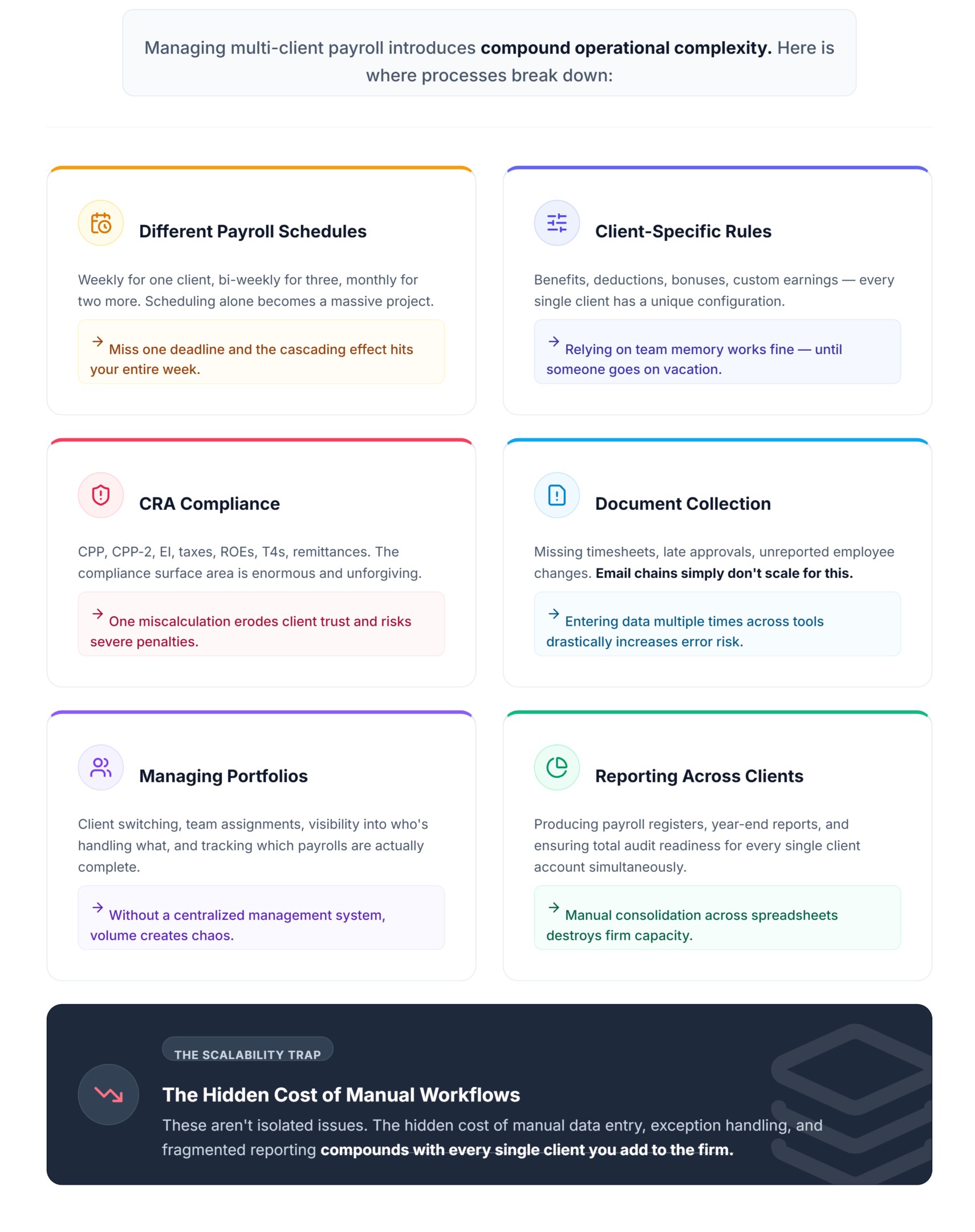
Different Payroll Schedules
When you’re running weekly payroll for one client, bi-weekly for three others, and monthly for two more, scheduling alone becomes a project. Miss one deadline and the cascading effect hits your entire week.
Managing Client-Specific Payroll Rules
Benefits, deductions, bonuses, custom earnings — every client has a unique configuration. Firms that don’t document these rules thoroughly end up relying on team members’ memories. That’s fine until someone’s on vacation.
Keeping CRA Compliance Consistent
CPP, CPP-2, EI, federal tax, provincial tax, ROEs, T4s vs T4As, remittances — the compliance surface area is enormous. One miscalculation on CRA remittances and you’re dealing with penalties that erode client trust fast.
Document Collection and Payroll Approvals
This is where payroll actually stalls. Missing timesheets, late approvals, unreported employee changes, last-minute vacation requests — email chains don’t scale for this. Firms enter payroll data multiple times across disconnected tools, increasing error risk significantly.
Managing Large Client Portfolios
Client switching, team assignments, visibility into who’s handling what, tracking which payrolls are complete — without centralized client management, this becomes chaos.
Reporting Across Clients
Payroll registers, year-end reports, audit readiness. When reporting requires manual consolidation across spreadsheets, the hidden cost of manual workflows compounds with every client you add.
Best Practices for Managing Payroll Across Multiple Clients
This is where the operational leverage lives. Here’s what successful firms do differently:
- Standardize payroll workflows.
Every client should follow the same process structure — data collection, validation, processing, review, approval. The specifics differ; the framework stays consistent. Standardization on a single system can reduce overall processing effort by up to 40%. - Run pre-pay-run validation.
Don’t wait for the automated run to flag problems. Run a data validation check 24 hours early to catch missing tax forms or outdated employee contact data. (I learned this the hard way — ghost errors from stale contact data caused failed notifications that looked like software bugs but weren’t.) - Separate client workspaces.
Co-mingling client data is a compliance risk and an operational headache. Distinct workspaces mean cleaner audit trails and fewer mistakes during client switching. - Track approvals actively.
Build a visible approval pipeline. If you can’t see which clients have approved their payroll data at a glance, you’re going to miss deadlines. - Schedule payroll proactively.
Map out every client’s pay runs for the quarter. When you can see the density of upcoming runs, you can allocate team resources before things get tight. - Document exceptions.
When a client has a one-off bonus structure or a province-specific override, write it down. The toggle-and-verify approach — checking that your software’s province rule setting actually matches the client’s location — prevents incorrect vacation pay accrual calculations. - Automate repetitive tasks.
Pay run automation isn’t optional at scale. Manual calculation of wages and deductions for 50+ employees across multiple clients is where errors multiply.
Operational Signs Your Payroll Process Is No Longer Scaling
Quick self-assessment:
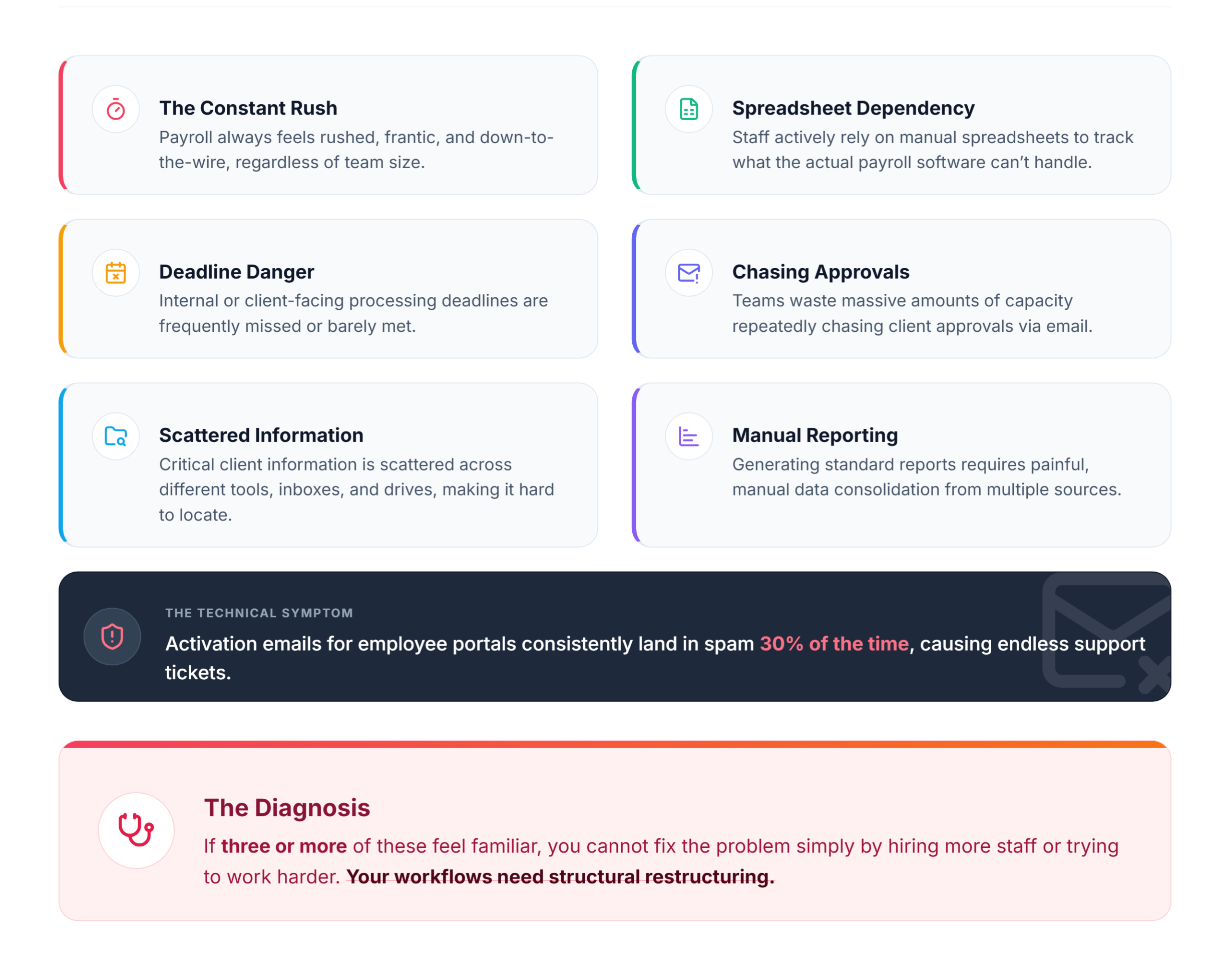
- ✓ Payroll always feels rushed, regardless of team size.
- ✓ Staff rely on spreadsheets to track what the payroll software can’t.
- ✓ Deadlines are frequently missed or barely met.
- ✓ Teams repeatedly chase client approvals via email.
- ✓ Client information is scattered across tools and hard to locate.
- ✓ Reporting requires manual consolidation from multiple sources.
- ✓ Activation emails for employee portals land in spam 30% of the time.
If three or more of these feel familiar, your workflows need restructuring — not just more staff.
How Modern Accounting Firms Scale Payroll Operations
Scaling payroll operations starts with concepts, not software purchases.
The firms that grow payroll services successfully focus on:
- Centralized client management
One place to see every client’s payroll status, deadlines, and team assignments. - Standardized workflows
The same process backbone across all clients, with client-specific configurations layered on top. - Pay run automation
Removing manual wage and deduction calculations from the critical path. - Multi-client visibility
Dashboards that show which payrolls are complete, pending, or blocked. - Integrated data
Payroll data flowing into bookkeeping and reconciliation without re-entry, because without data integration, firms enter the same numbers multiple times. - Reporting consistency
Standardized payroll registers and year-end filing outputs across every client.
These aren’t software features. They’re operational principles. The software you choose should support them.
Choosing Payroll Software for Multi-Client Firms
When evaluating payroll software for a multi-client practice, here’s what actually matters:
| Criteria | Why It Matters |
|---|---|
| Multi-client support | Separate workspaces, not just separate “tabs” |
| CRA compliance | Auto-updated tax tables, remittance calculations |
| Role-based permissions | Team members see only what they need |
| Payroll history | Full audit trail per client |
| Employee self-service portal | Reduces admin time on pay stub and T4 requests |
| Bookkeeping integration | Eliminates duplicate data entry |
| Scalability | Adding clients shouldn’t require new processes |
Built for Multi-Client Payroll at Scale
LedgerNext combines CRA-compliant payroll processing, multi-client workspaces, payroll registers, T4 and ROE generation, employee self-service, bookkeeping, bank reconciliation, and financial reporting in one platform — designed specifically for firms managing payroll across many clients. We built it because the workflow gap between “payroll software” and “accounting firm operations” kept showing up in every firm we worked with.
FAQ
What is multi-client payroll management?
It’s the process of administering payroll for multiple separate businesses from one firm, maintaining distinct records, ensuring CRA compliance, coordinating schedules, and producing accurate reports for each client independently.
How do accounting firms manage payroll for multiple clients?
Successful firms standardize workflows, centralize client data, automate pay runs, track approvals visibly, and use software with multi-client architecture rather than managing each client as a separate manual process.
What are the biggest payroll challenges for accounting firms?
Juggling different pay schedules, chasing client approvals, maintaining CRA compliance across entities, managing province-specific rules, and consolidating reporting without manual effort.
What features should payroll software have for accountants?
Multi-client workspaces, CRA-compliant calculations, role-based permissions, payroll history, employee self-service, bookkeeping integration, and scalable architecture.
How can firms improve payroll efficiency?
Run pre-pay-run data validation, standardize processes across clients, automate repetitive calculations, and build visible approval pipelines that flag delays before they become missed deadlines.
How can firms reduce payroll errors?
Manually audit five random employee records before each run — if three contain outdated data, pause and clean up before processing. Verify province-specific rule settings per client. Eliminate duplicate data entry through integration.
The Bottom Line
Managing payroll for multiple clients isn’t about processing more pay runs. It’s about building the operational structure that keeps every client compliant, every deadline on track, and every team member working from the same playbook — even when the firm adds ten more clients next quarter.
See how LedgerNext handles multi-client payroll.
CRA-compliant payroll, multi-client workspaces, T4 and ROE generation, employee self-service, bookkeeping, and reporting — in one platform built for firms running payroll across many clients.
✅ CRA-Compliant Payroll
✅ T4 & ROE Generation